
Every lab.
Every student.
Any device.
Ready in seconds.
No installs, no hardware refresh, any device. Each lab comes pre-loaded with the exact tools its domain needs.
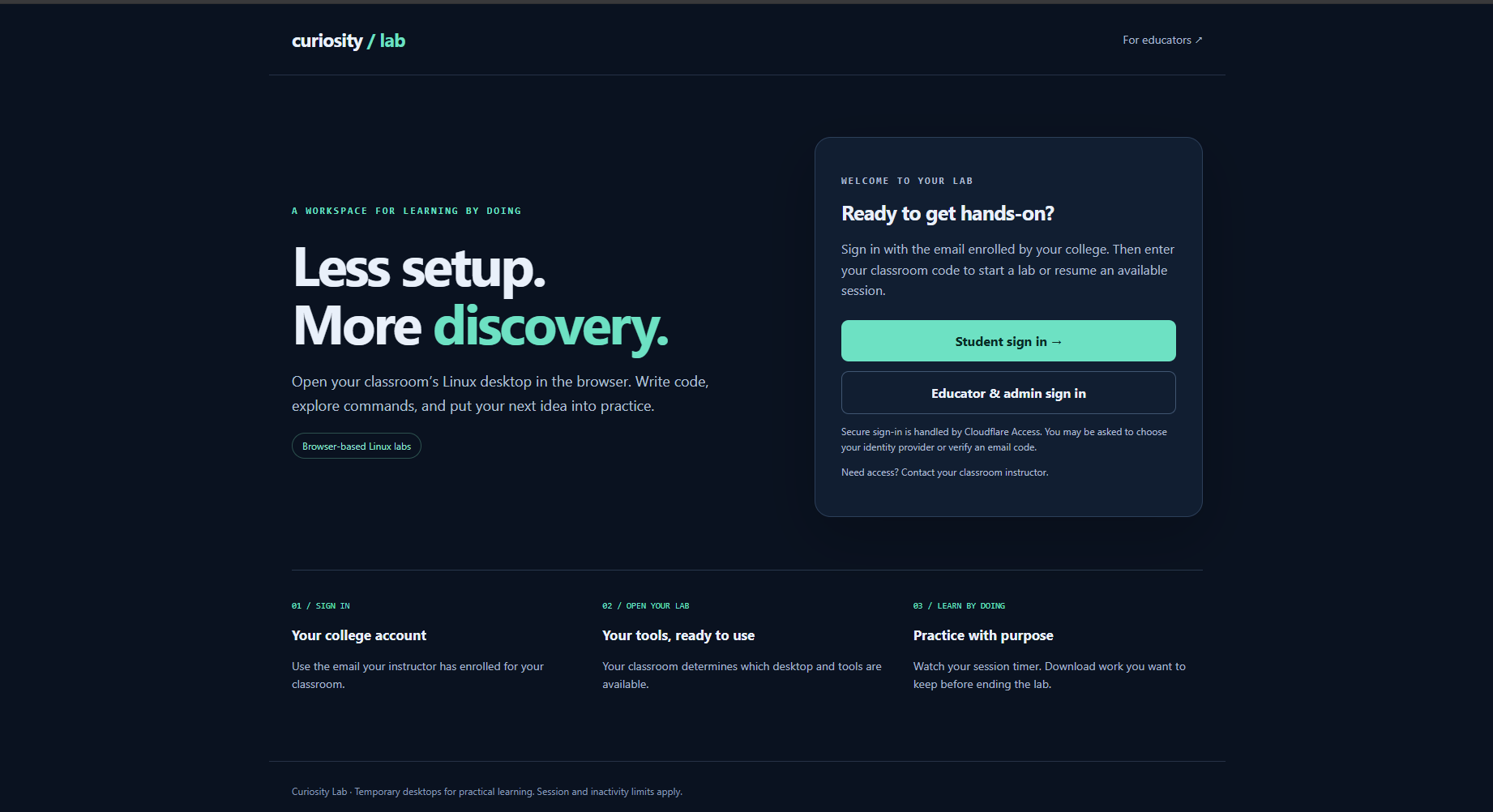

Stop maintaining PCs. Start running labs.

Constant Capex & Broken Setups
- • Expensive Hardware Upgrades: Old desktops freeze on ROS 2, Docker, or cybersecurity tools.
- • Days Lost to OS Re-Imaging: Lab staff manually install compilers and fix broken packages every semester.
- • Locked to Physical Rooms: Students cannot access lab software from hostels or home laptops.
- • Exam Vulnerability: Shared local folders and USB ports make practical tests hard to secure.
Your Students Start Coding in Seconds
- • No Hardware Refresh Needed: Heavy compute runs on the server; any browser streams the desktop smoothly.
- • Pre-Loaded Domain Templates: Every student opens a verified, identical workspace in one click.
- • Sized to Your Timetable: Provision only for active concurrent seats—not total campus headcount.
- • Cheat-Proof Exam Mode: Sealed containers, internet lockdown, and automatic session wipe.
From setup to coding in four steps.
Admin Picks Template
Select Cybersecurity, Robotics, CSE, AI, or a custom syllabus image.
Adds Students
Bulk-import student emails and choose ephemeral or persistent storage.
Students Log In
Students open the web link on any browser and enter their classroom code.
Lab Ready in Seconds
Full Linux desktop & IDE opens immediately—with instant session resume.
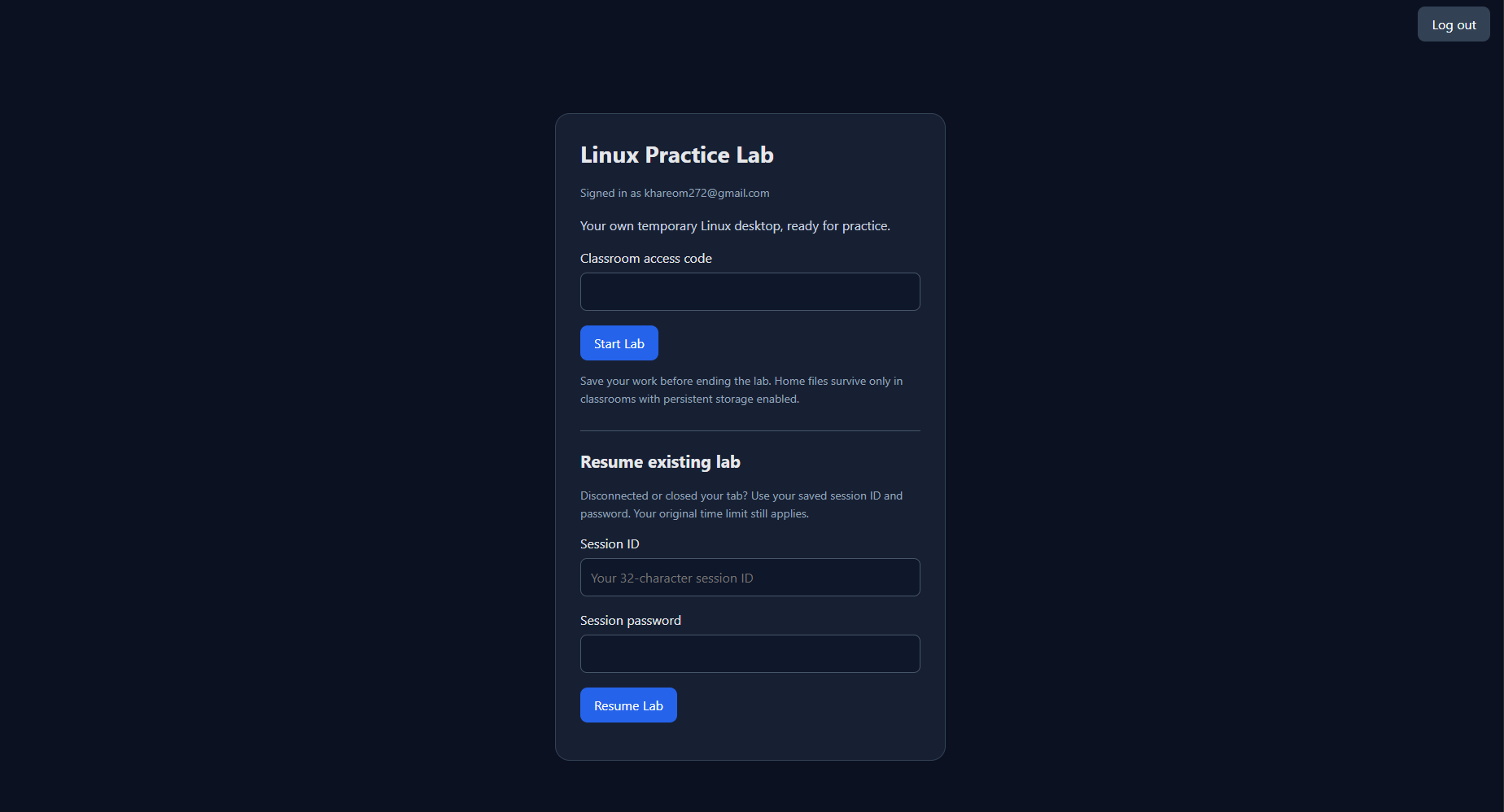
Closed tab? Dropped Wi-Fi? Resume in one click.
Students never lose active work if their browser closes. They enter their saved 32-character Session ID or click Reconnect Desktop to pick up right where they left off.
Pre-loaded templates for every domain.
Ethical hacking, network auditing, and penetration testing in a sealed sandbox.
Includes John the Ripper, Hydra, TShark, tcpdump, Nikto, and isolated target containers.
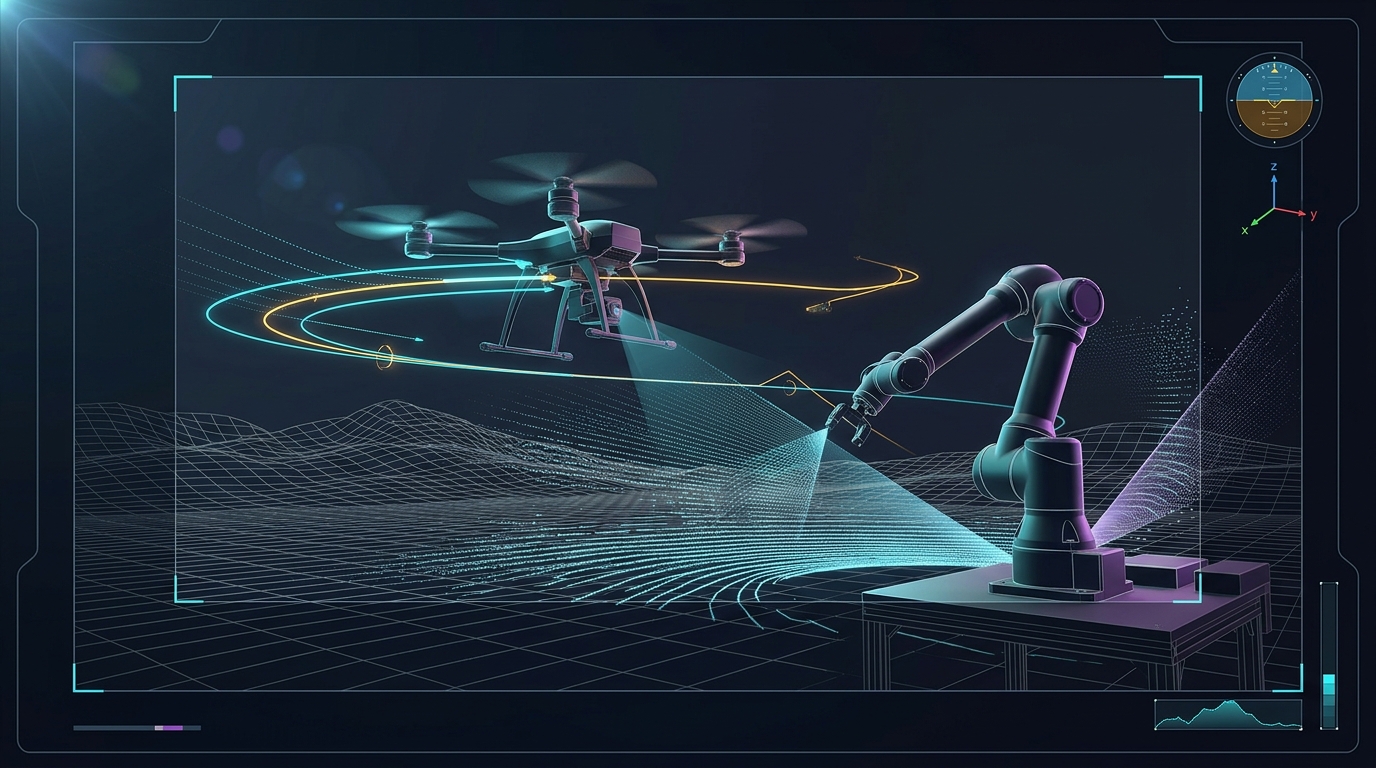
Autonomous flight control, 3D physics simulation, and kinematics.
Full SITL quadcopter physics, URDF robot arms, lidar point-cloud visualizers, and colcon build tools.
Data structures, operating systems, compilers, and full-stack development.
Includes Clang, Make, CMake, GDB, OpenJDK, Maven, Git, and GitHub CLI ready for coding exams.
Packet inspection, routing tables, virtual subnets, and socket programming.
Inspect TCP/UDP handshakes, DNS resolution, traceroute hops, and custom firewall rules.
Data wrangling, exploratory visualization, and machine learning models.
Zero conda environment conflicts. Pre-loaded notebooks and sample datasets ready for immediate execution.
Relational SQL queries, ACID transactions, indexing, and NoSQL stores.
Local database servers and CLI/GUI clients pre-initialized with university practice schemas.
Firmware cross-compilation, MQTT telemetry brokers, and edge logic.
Simulate IoT sensor publish/subscribe pipelines and compile embedded C/C++ firmware cleanly.
Customize any template with your college's exact packages and datasets.
Tell us your university syllabus list—we bake your custom libraries directly into a 1-click template.
Train defenders in a safe sandbox.

Zero Risk to Your Campus Network
Students practice real packet inspection and penetration testing inside sealed containers that never touch production servers.
No Antivirus Blocks on Student PCs
All offensive security binaries execute inside the remote container—bypassing local laptop OS restrictions.
One-Click Clean Reset
Every new session boots a pristine image in seconds—ready for the next class batch.
Simulate drones without costly workstations.
Eliminate Weeks of Broken ROS Setup
ROS 2, Gazebo, and ArduPilot are pre-compiled and version-matched so students write autonomy code immediately.
Smooth 3D Simulation on Any Laptop
Physics and lidar rendering run on your campus server while students control drones from basic laptops or Chromebooks.
Risk-Free Flight Testing
Test waypoint navigation and MAVLink telemetry in virtual physics before flying real hardware.
Two storage plans built for your courses.
Clean Slate Every Session
Best for: Practical exams, coding tests, and shared daily practice labs.
- • Auto-Wiped on Exit: All files and history erase automatically when the session ends.
- • 100% Exam Integrity: Next student batch never sees files left behind by previous students.
- • Zero Disk Bloat: Campus server storage stays lean all year.
- • Manual Export Ready: Students can download work before ending practice sessions.
Student Files Saved Across Sessions
Best for: Semester-long coursework, capstones, and multi-week projects.
- • Automatic Home Mount: Student
/homefolder persists and reloads on every login. - • Enforced Per-Student Quotas: Built-in Disk Guard prevents runaway storage abuse.
- • Live Quota Meter: Session bar shows real-time usage (
Saved home · 203 / 1024 MiB used). - • Automated Backups: Snapshot protection for semester-long student portfolios.
Total classroom control from one screen.
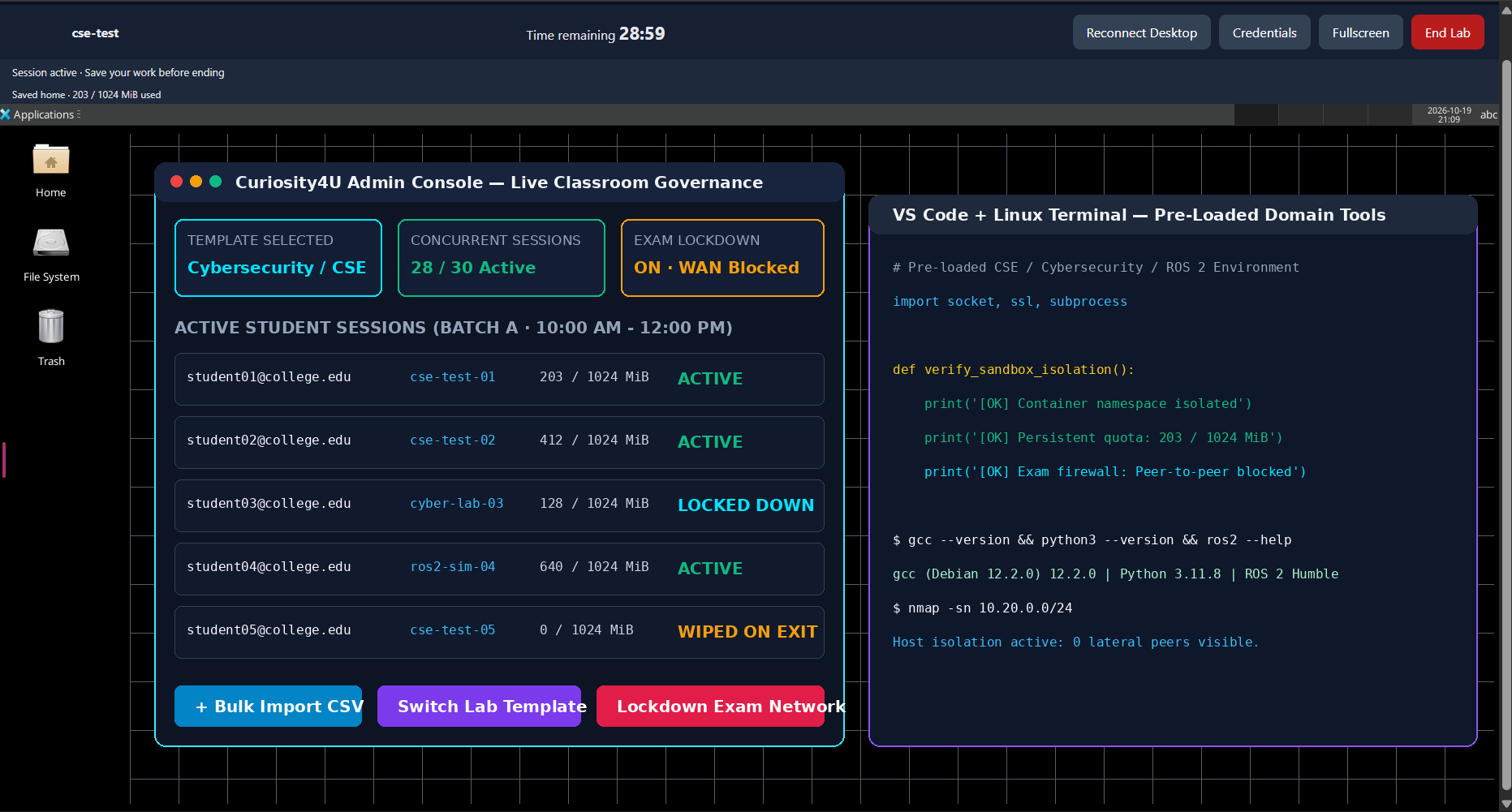
Upload student email lists in one click. Grant or revoke classroom access codes anytime.
Track active student containers, countdown timers, and quota usage—or terminate idle labs.
Assign Cybersecurity to Morning Batch A and Robotics to Afternoon Batch B in seconds.
Enable strict exam lockdown to block external web and student-to-student traffic during tests.
Size capacity to your timetable, not headcount.
Pay for Concurrent Need Only
If 30 students attend a lab period at a time, you size for 30 concurrent sessions—never paying for 500 idle seats.
Deployed On-Premise at Your Campus
Runs inside your campus server room over LAN. Zero internet lag and 100% of student data stays on campus.
Expand Capacity Anytime
Adding new afternoon sections or exam halls? Scale concurrent sessions smoothly as your timetable grows.
Built for strict, cheat-proof practical exams.
1. Isolated Container Sessions
Every student runs inside a dedicated, resource-capped Linux container. Zero shared folders or visibility into other students' workspaces.
2. Kernel Network Sandboxing
Host-level iptables rules block lateral container-to-container packets—stopping LAN chat, local file transfers, or SSH copying.
3. One-Click Internet Lockdown
Disable external web browsing and AI tools during practical exams while keeping compilers, IDEs, and the local portal active.
4. Automatic Post-Exam Wipe
In non-persistent exam mode, containers self-destruct when the timer ends—leaving zero code behind for the next exam shift.
Try it with a real class in four days.
Low risk. Zero disruption to your current classes. Validate Curiosity4U with your faculty and students before making any infrastructure commitment.
Discovery
15-minute alignment with your HOD to pick one target subject, lab template, and batch size.
Setup
We configure your on-premise pilot node or instant cloud sandbox with your syllabus tools.
Onboarding
Bulk-import your student roster and walk your lab instructor through the Admin Control Panel.
Live Class Trial
Run a full practical period in the browser and review student and faculty feedback.
Try it right now.
Scan the QR code or click below on your laptop, tablet, or phone to launch a live browser-based virtual lab in seconds.